
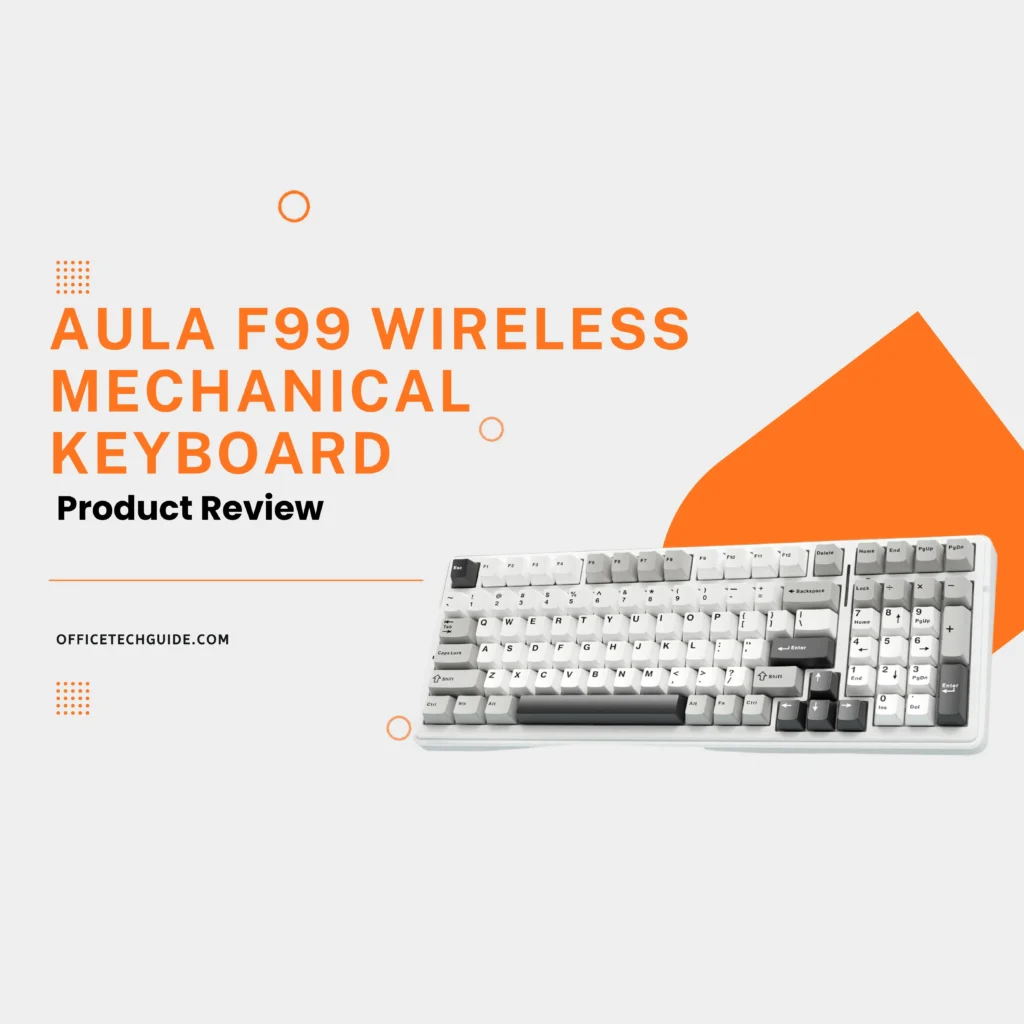
The AULA F99 Wireless Mechanical Keyboard is a powerful, all-in-one keyboard designed for gamers, professionals, and everyday users who want performance, flexibility, and customization in a clean, modern design. Featuring a compact full-size layout, this mechanical keyboard gives you all essential keys, including a number pad, while saving desk space for a more efficient setup.
With tri-mode connectivity, the AULA F99 lets you switch effortlessly between Bluetooth, 2.4GHz wireless, and USB-C wired mode, making it easy to connect to multiple devices such as PCs, laptops, tablets, and smartphones. This makes it an excellent choice for multitasking across Windows, macOS, Android, and iOS systems.
The keyboard is built with a hot-swappable PCB, allowing you to change mechanical switches without soldering. This feature is ideal for users who want to customize their typing feel, sound, or responsiveness over time. The gasket-mounted structure combined with multiple layers of sound-dampening material delivers a smoother keystroke, reduced noise, and a premium typing experience.
Equipped with dynamic RGB backlighting, the AULA F99 offers multiple lighting effects and customizable modes that enhance both gaming immersion and workspace aesthetics.
A large high-capacity rechargeable battery ensures long-lasting wireless performance, allowing you to work or game for extended periods without frequent charging. Durable keycaps and a solid build quality make this keyboard reliable for daily use, intense gaming sessions, and long typing hours.
Overall, the AULA F99 Mechanical Keyboard is a versatile and stylish option for anyone looking for a wireless mechanical keyboard with hot-swappable switches, RGB lighting, and multi-device support, all packed into a compact yet fully functional layout.