
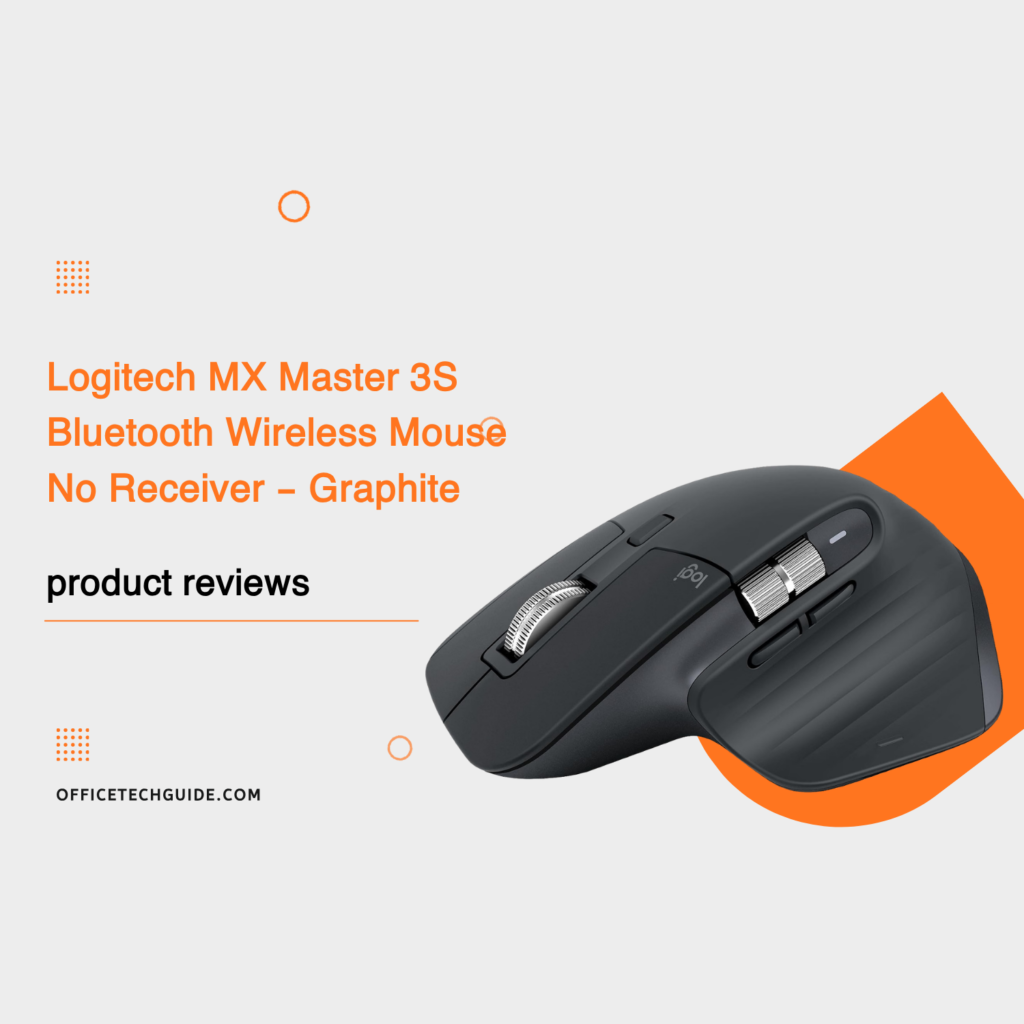
Upgrade your workspace with the Logitech MX Master 3S Bluetooth Mouse, a premium wireless mouse designed for professionals, multitaskers, and productivity-focused users. Combining an ergonomic shape, advanced 8,000 DPI optical tracking, and exceptionally quiet clicks, this mouse delivers a comfortable and precise experience for everyday office work.
One of its standout features is the MagSpeed electromagnetic scrolling wheel, which lets you move through long documents, spreadsheets, and web pages with impressive speed and precision. Its customizable controls and thumb wheel also make navigating applications and managing daily tasks more convenient.
Precise 8,000 DPI Tracking on Almost Any Surface
The Logitech MX Master 3S features an advanced optical sensor with adjustable sensitivity up to 8,000 DPI. It can track on virtually any surface, including glass surfaces at least 4 mm thick. This flexibility makes it an excellent choice for modern desk setups where using a traditional mouse pad isn’t always practical.
Quiet Clicks for a More Focused Workspace
Enjoy a quieter working environment with Quiet Click technology. The MX Master 3S delivers satisfying tactile feedback while reducing click noise by up to 90% compared with the previous MX Master 3. It’s particularly useful for shared offices, home offices, and quiet workspaces.
MagSpeed Scrolling for Faster Navigation
The electromagnetic MagSpeed scroll wheel combines speed with precision, allowing you to scroll through up to 1,000 lines per second. Whether you’re reviewing lengthy reports, navigating large spreadsheets, or browsing websites, this feature helps make everyday computer tasks smoother.
Ergonomic Design and Customizable Controls
Designed primarily for right-handed users, the MX Master 3S features a sculpted shape that supports a comfortable hand position during extended work sessions. It also includes customizable buttons and a dedicated thumb wheel for easier horizontal navigation.
With Logitech Options+, you can personalize button functions and create application-specific settings to match your workflow.
Bluetooth Connectivity and Multi-Device Support
This Bluetooth Edition connects wirelessly without requiring a USB receiver. You can pair it with up to three compatible devices and switch between them using Logitech Easy-Switch.
It supports a range of operating systems, including Windows, macOS, ChromeOS, Linux, and iPadOS, although available features may vary depending on your device and software.
Important: This particular Bluetooth Edition does not include a Logi Bolt USB receiver or a charging cable. Make sure your computer supports Bluetooth Low Energy before purchasing.
Is the Logitech MX Master 3S Worth Buying?
If you’re looking for a premium wireless mouse for office productivity, multitasking, and everyday professional use, the Logitech MX Master 3S Bluetooth Edition is worth considering. Its accurate tracking, quiet buttons, fast scrolling, and customizable controls make it a strong option for people who spend hours working at a computer.
It’s especially suitable for office professionals, remote workers, designers, and users who regularly switch between multiple devices.