

Could the wrong label printer slow every package you send? A seller printing a few parcels at home needs a different setup from a business processing batches every day.
Direct thermal printing uses heat to create an image on treated label stock, without ink or toner. The right choice depends on label format, device connection, print volume, and budget.
I focus on shipping setups for home sellers and small businesses, where a clear label can save time and prevent avoidable reprints. The goal is a product that fits your devices and the way you prepare orders, not a list of features you may never use.


- [HIGH TECH LABEL PRINTER] Equipped with a Japanese high tech thermal print head, 203 DPI high printing quality. No ink, …
- [PRINT WIRELESSLY]The label printer support printing wirelessly. For windows 8 or later and Mac, you can print via Bluet…
- [PRINT VIA USB] USB connection works with both Windows (7 and newer) and Mac OS (10.9 and newer) devices. Please long an…
Key Takeaways
- Match the printer to the 4×6 labels used in your shipping workflow.
- Choose USB, Bluetooth, or Wi-Fi based on your devices.
- 203 DPI is usually enough for shipping text and barcodes.
- Check label stock costs as well as the printer price.
- Test one label before printing a full order batch.
Start by matching the printer to the labels and devices already used to prepare each shipment.
Which Label Printer Should I Choose for Shipping?
For a shipping-focused printer with the broadest listed connection options, I would start with the Brother QL-1110NWB. For most workflows, its USB, Wi-Fi, Ethernet, and Bluetooth options offer room to connect different devices.
Choose the Brother QL-1110NWB for the broadest listed connection options; choose a lower-cost model only if its feed and connection fit your work.
The Brother prints at 300 DPI and has an automatic cutter. A 2026 listing showed a price of $388.61. I see it as the strongest overall choice when those features matter.
The MUNBYN ITPP130B is a lower-cost option for Bluetooth printing and flexible label feeding. It connects through Bluetooth or USB, auto-calibrates, and supports roll-fed and fanfold labels. Its listed price was $69.99.
A shipping label printer can mean a basic thermal shipping label printer or a broader office model. For example, the JADENS thermal label printer supports Bluetooth and 4×6 shipping labels. Its Amazon US listing showed 4.4 out of 5 stars from 9.5K ratings in October 2026. Ratings do not guarantee how a printer will work for you.
| Model | Connection | Standout feature | Listed price |
|---|---|---|---|
| Brother QL-1110NWB | USB, Wi-Fi, Ethernet, Bluetooth | Automatic cutter, 300 DPI | $388.61 |
| MUNBYN ITPP130B | Bluetooth, USB | Auto-calibration, roll and fanfold labels | $69.99 |
| JADENS Bluetooth 4×6 | Bluetooth | 4×6 shipping format | $69.99 |
| Rollo USB | USB | Windows and Mac support | $199.99 |
| Rollo wireless Wi-Fi | Wi-Fi | Wireless 4×6 printing | $279.99 |
The Rollo wireless model suits buyers who specifically want Wi-Fi. The Rollo USB model connects by cable and supports Windows and Mac. Both Rollo prices and the JADENS price were listed on Amazon US in October 2026.
These listed prices are snapshots, not guaranteed current prices. Choose a cheaper model only after confirming that its connection and media feed fit your daily workflow.
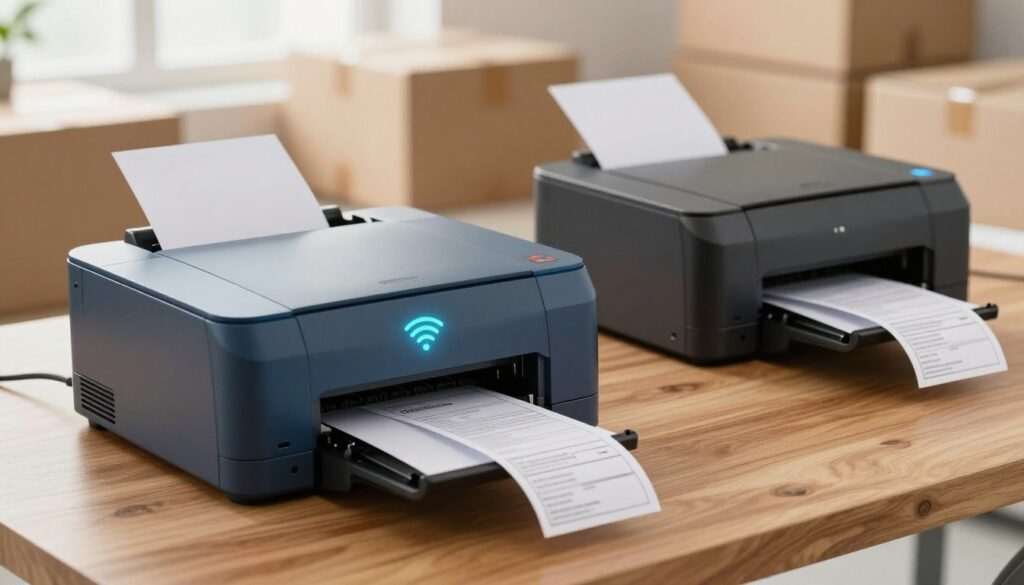


- Embrace Wireless Printing: Seamlessly connect our JADENS Bluetooth label printer to your iOS and Android devices using t…
- Flexible Connectivity Options: For Android, iOS, Mac OS, and Windows, our desktop label printer can be easily connected …
- Cost-Effective Efficiency: Experience the benefits of advanced thermal direct technology, achieving a remarkable printin…
Which Print Specs Matter for 4×6 Shipping Labels?
For ordinary shipping barcodes, 203 DPI is generally enough; choose 300 DPI when small text or graphics need extra clarity. Pay more for higher resolution only when your labels need the sharper detail.
Print speed matters most when you regularly prepare a stack of orders. A listed figure helps compare printers, but it does not tell the whole story of a workday.
203 DPI or 300 DPI
A 203 DPI printer usually makes readable text and scannable shipping barcodes. That is enough for many shipping labels, so everyday postage rarely calls for a higher setting.
A 300 DPI printer makes graphics sharper and small fonts clearer. This can help when a label includes compact text or a design that needs clean edges.
The choice is about the print, not the shipping format. A higher DPI setting does not by itself make a label feed correctly or speed up a batch.
Print Speed and Daily Volume
Entry-level thermal printers typically run at around 150 mm/s and produce roughly 72 standard 4×6 labels per minute. Professional-grade models can exceed 200 mm/s.
| Specification | Typical figure | Practical meaning |
|---|---|---|
| Entry-level speed | Around 150 mm/s | Roughly 72 standard 4×6 labels per minute |
| Professional-grade speed | Over 200 mm/s | Better suited to higher-volume work |
| 203 DPI | Standard output | Readable text and scannable barcodes |
| 300 DPI | Higher resolution | Sharper graphics and small fonts |
Real throughput depends on label length, cutting, and pauses between jobs. A listed speed is not a promise of the same output in every workflow, especially when each label takes time to feed or cut.
For a few daily orders, a standard model may keep the line moving without paying for a professional speed rating. Compare the expected daily batch size with the printer’s real labels-per-minute output, not speed alone.
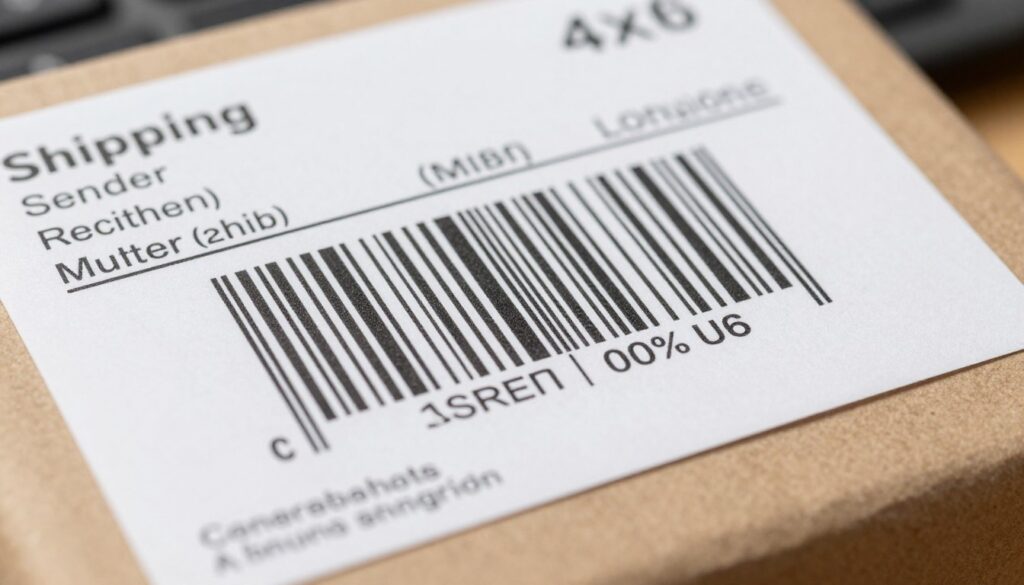


- 【High‑Quality, Energy‑Efficient Thermal Printing】The NULLTONEX shipping label printer uses direct thermal technology, el…
- 【Bluetooth & USB Dual Connectivity】 Connect seamlessly to your phone, laptop or PC via Bluetooth or USB. Download the fr…
- 【User‑Friendly Operation】 Easy setup and a dedicated FlashLabel Pro app offer 1,800+ customizable templates, 300+ fonts,…
Will a 4×6 Printer Work With My Carrier and Marketplace?
A 4×6 printer matches the default shipping-label format used by most courier services and marketplaces. That size is a strong starting point, but the printer feeding it does not ensure an app supports that model.
Check the service and software as well as the printer’s label size. USPS, UPS, FedEx, Amazon, and Etsy each have label-generation settings, and you should check their compatibility with your setup separately.
A 4×6 thermal label printer still needs the correct page-size setting in the shipping software. A label can print at the wrong scale or with clipped margins when that setting does not match.
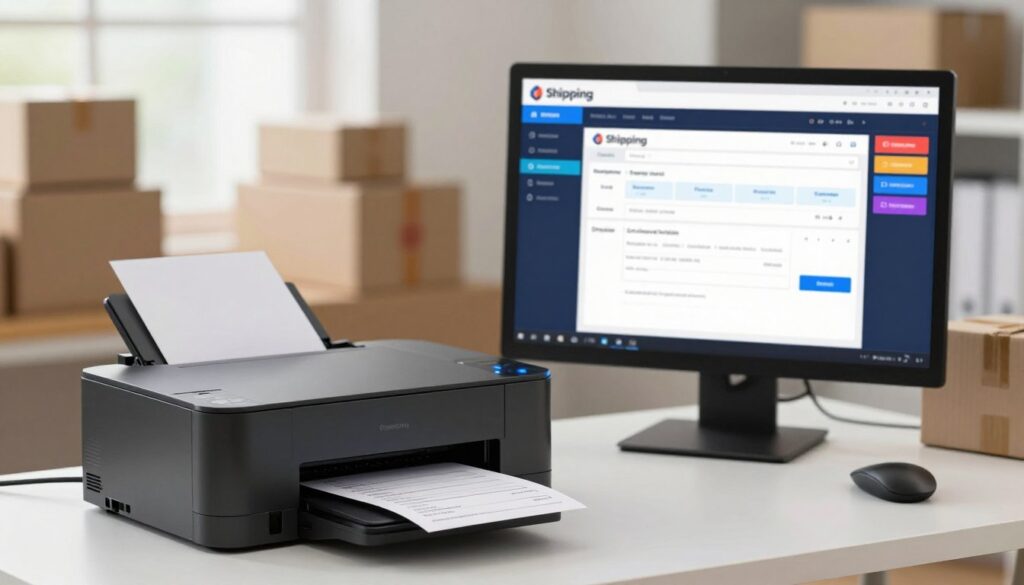


- WIRELESS WIFI SHIPPING: Rollo wireless utilizes AirPrint to print labels directly from iPhone, iPad, and Mac or via Wi-F…
- ROLLO SHIP MANAGER APP: Our complimentary shipping app provides a streamlined and cost efficient way to mail packages; C…
- HIGH SPEED: Stop buying ink and toner and start printing with advanced direct thermal technology at a speed of 150mm/s o…
- Confirm the service’s label dimensions.
- Check the printer’s operating-system and app support.
- Verify whether the workflow needs USB, Bluetooth, or Wi-Fi.
- Test scaling and margins before printing a batch.
These checks matter whether you print from a desktop computer or use wireless connectivity. A printer may feed the right size while the app sends a different page format.
Print one test label and check its barcode, margins, and scaling before processing an order batch.
What Do Shipping Label Printer and Labels Cost?
The printer is only one part of the cost, because every shipment also uses label stock. Plan for both the device and the supplies, plus any software or postage costs in your chosen workflow.
Compare the total cost of printing, not only the upfront printer price. Features, label quantity and format, and the services you use all affect what you spend.
As October 2026 Amazon US listing snapshots, the KNAON Bluetooth thermal shipping printer cost $44.99. The Rongta Bluetooth 4×6 printer and the Labeer Bluetooth 4×6 printer each listed for $39.99.
Label prices also vary by pack. A 500-count pack of Rollo 4×6 direct thermal shipping labels listed for $19.99. A 500-count stack of 4×6 direct thermal labels listed for $10.09.
Those October 2026 prices are dated snapshots, not guarantees of current prices. A thermal label printer nearby may be convenient, but local stock can change, so check an electronics or office-supply store’s inventory before traveling.
Before you choose a product, check these cost details:
- Printer price.
- Label price per pack.
- Labels per roll or stack.
- Whether the label format fits the printer.
A lower pack price may include fewer labels, while a larger pack can cost more upfront. Compare the cost per usable label and the number included, rather than choosing on pack price alone.
Do Thermal Shipping Printers Need Ink?
A direct thermal shipping printer does not need ink or toner, but it does require compatible heat-sensitive labels. The label stock carries the image when the print head applies heat.
Heat and sunlight can shorten the readability of thermal labels. That matters if you store printed packages in a hot place or leave them in direct sun before pickup.
Direct Thermal Labels and Fading
Direct thermal printing uses heat-sensitive stock rather than ink or toner. The printer heats small areas of the surface to form text, barcodes, and other marks.
Direct thermal label stock is made for this process. It is different from ordinary paper, and a thermal printer will not produce the same result on every label material.
Shipping labels work well for routine parcel handling, but the image can fade when exposed to heat or sunlight. Keep this in mind if a package will sit outdoors or in a warm area before collection.
Media Fit and Print-Head Care
The label width and feed type must match the printer. Some models accept a roll, while others also work with fanfold stacks. A wrong fit can lead to poor feeding or misaligned prints.
For one example, a JADENS 4×6 thermal label paper listing specifies 80 labels per roll and two rolls per box. Its listed price range was $14.99-$19.99.
An industrial label printer may suit a different workload, and a tape label maker serves another purpose. Color printers also handle jobs that shipping-focused thermal models do not. These tools are not interchangeable, so match the printer to the labels and tasks you need.
Thermal print-head life typically ranges from 30 to 100 kilometers of printed material. Build quality and operating conditions affect that span, so careful use and a clean feed path matter.
Store unused thermal labels away from heat and direct sunlight to help preserve their printed contrast.
How Do I Set Up a Shipping Label Printer?
The most reliable setup starts with the correct driver and the exact label size selected in the shipping software. Set those first to reduce blank prints and labels cut off at the edge.
Use the printer’s own driver or app, then test one label before a batch. The right steps depend on the model and its supported connection.
- Install the correct driver or app.
- Connect by USB, Bluetooth, or Wi-Fi as supported.
- Load the label roll or fanfold stack and run calibration if available.
- Choose the carrier’s 4×6 page size and print a test label.
Check operating-system support before installing software. The Rollo USB shipping printer listing specifies Windows and Mac support, but another model may support a different set of systems.
The Brother QL-1100 listing describes 300 DPI output and printing up to 69 labels per minute. Those are stated specifications, not a promise of the same batch speed in every setup.
Scan the test barcode and confirm the label feeds straight before printing paid postage in volume.
Can I Print Shipping Labels Without a Dedicated Label Printer?
A dedicated thermal printer is not required to create and print a USPS postage label. A standard printer can work for occasional shipments through USPS Click-N-Ship.
USPS Click-N-Ship supports domestic and international postage labels through a USPS.com personal or business account, a computer, and a standard printer.
A standard printer can handle occasional USPS labels. Customers without a printer can use Label Broker at a Post Office.
Click-N-Ship lets customers create labels online, then print them on a standard printer. The USPS FAQ links to a label-creation user guide dated July 2026.
Customers without a printer can use USPS Label Broker to print Click-N-Ship labels at a Post Office. This gives occasional shippers another option when printing at home is not practical.
A standard printer may suit a few parcels, while a dedicated thermal model can suit repeated 4×6 printing. The better fit depends on how often you ship and what equipment you already have.
For an occasional shipment, check whether a standard printer or a nearby Post Office Label Broker location is the simpler option.
Conclusion
For most regular package shipping, I would prioritize reliable 4×6 output and a connection that fits the devices already in use. A higher price or faster rating matters less if the printer cannot work with your labels or software.
Match the printer to your shipping volume, connection needs, and label workflow. Before buying, confirm the exact printer model works with your shipping software and label stock.